
01
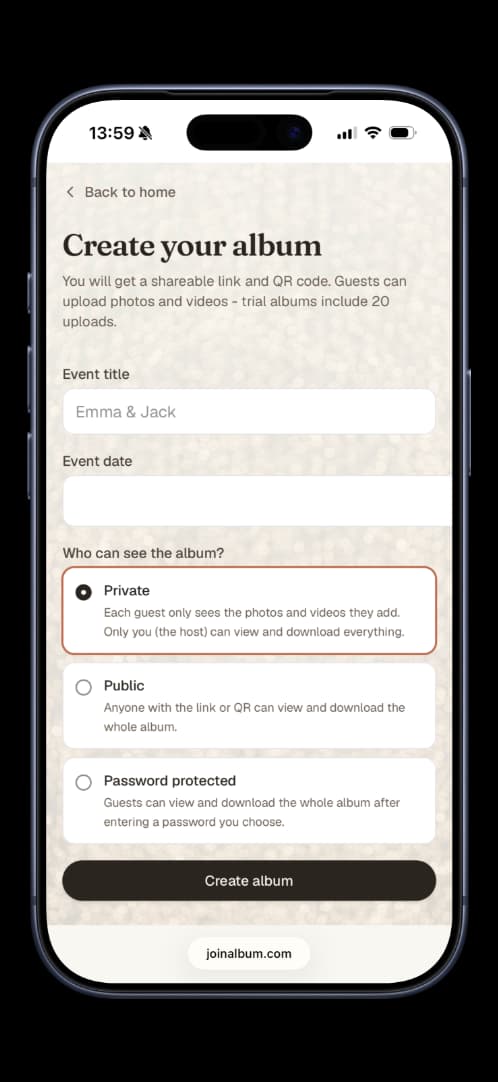
Create the album
Add your event name and date. Your link and QR are ready instantly.
Place a QR at your event and every guest can upload photos and videos to the same album. No app to download or account to create.
Try it with 10 files · No card required · One-time payment if you want unlimited uploads


Scan to upload photos & videos
Emma & Jack
joinalbum.com/emma-jack
Add your event name and date. Your link and QR are ready instantly.
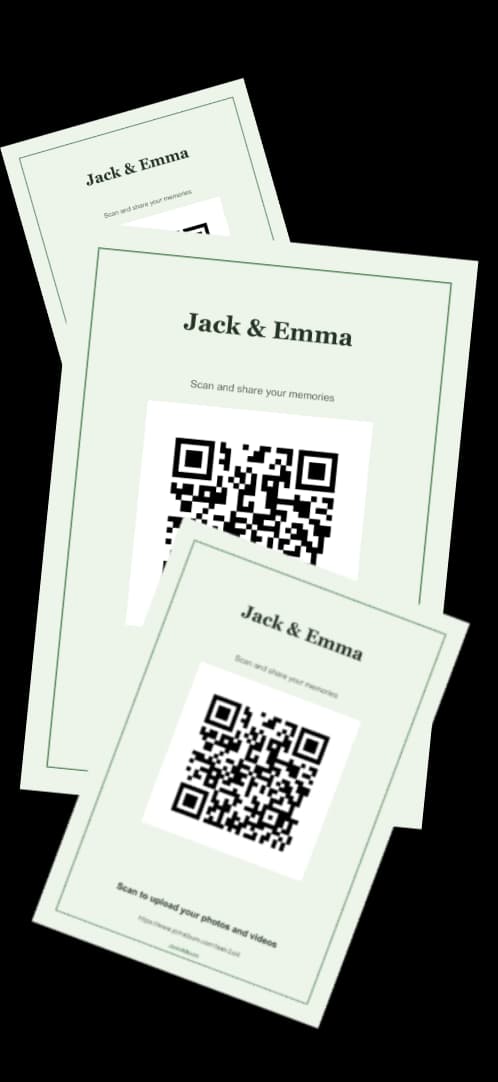
Customise a design, then download it for print or social media.
Guests scan, enter their name and upload. No app, account or password.
You do not need Canva or a designer. Your real QR is already in the editor and always points to the right album.

Format
Colours
Background
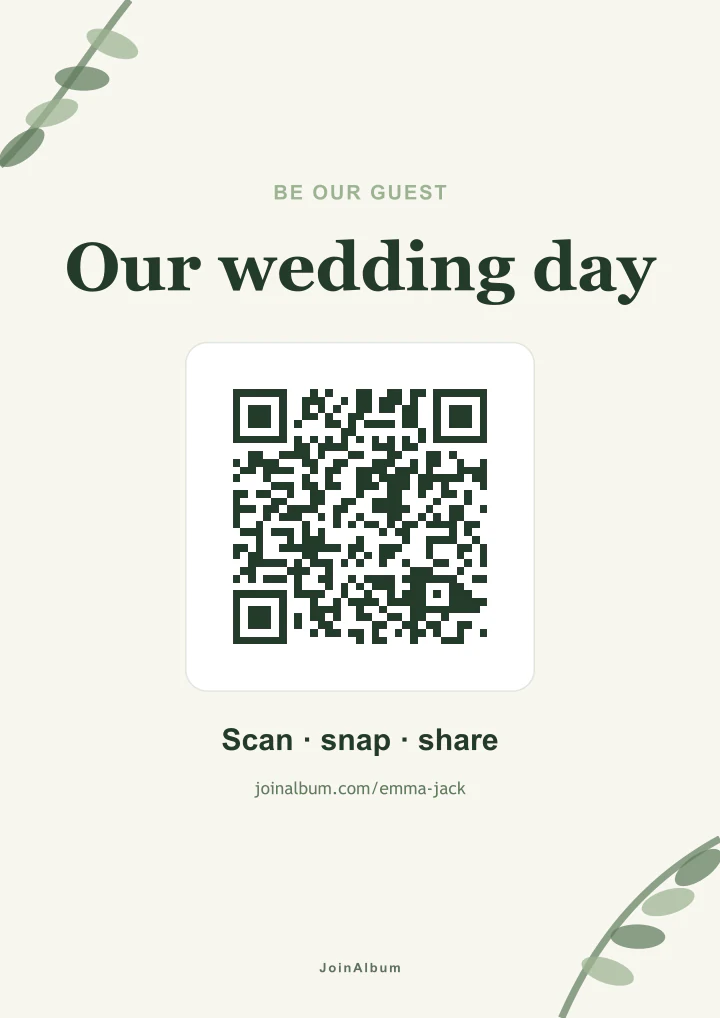
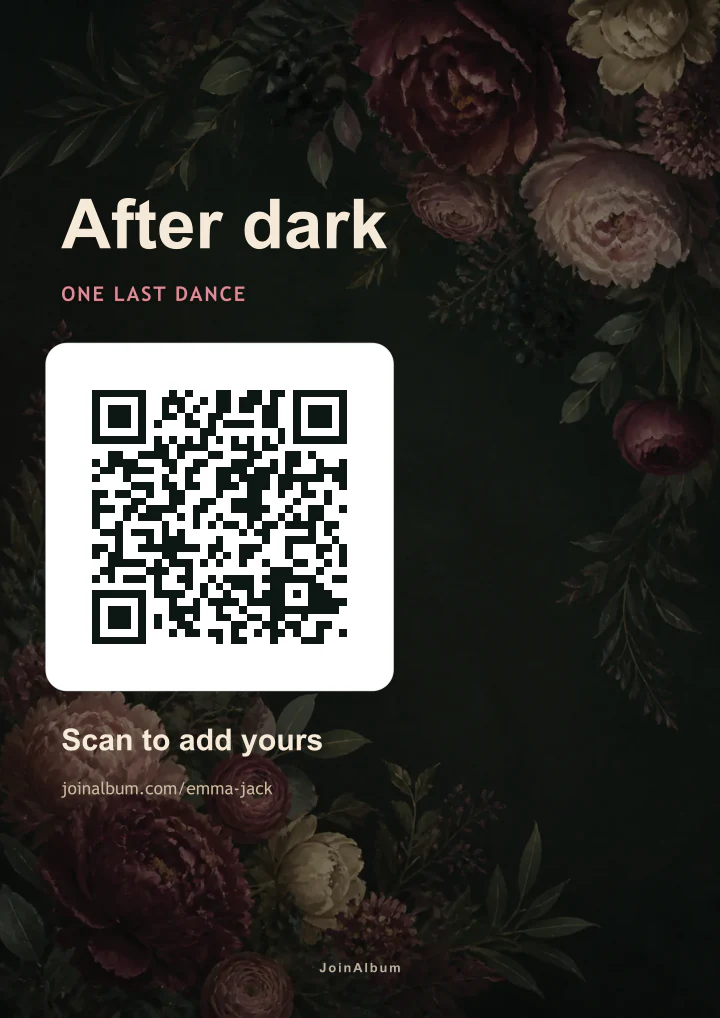
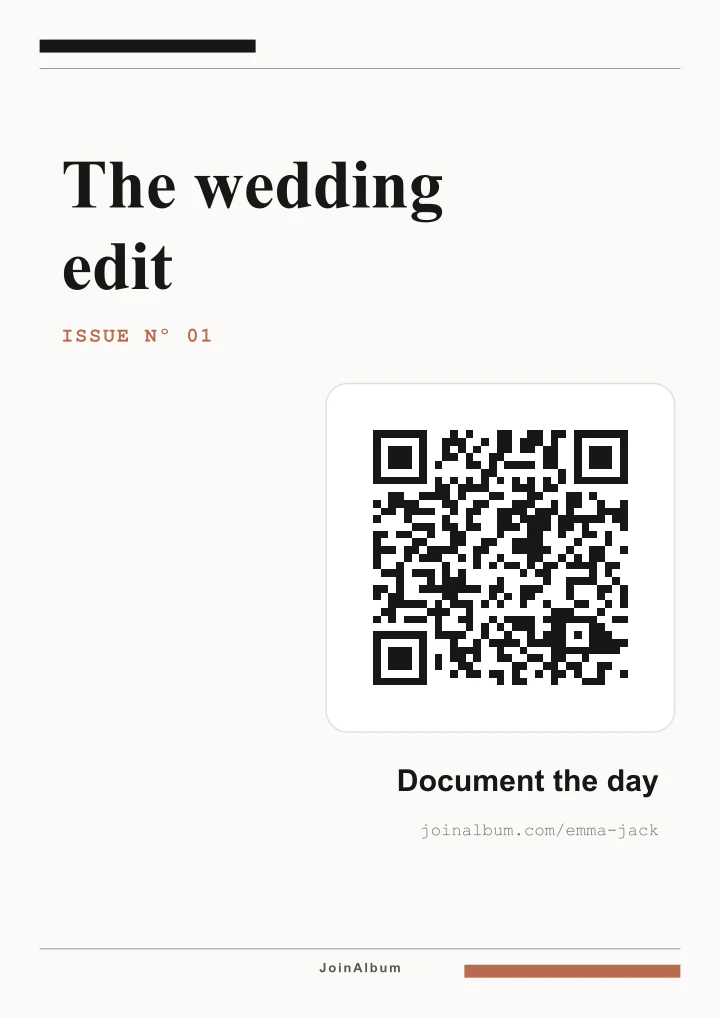
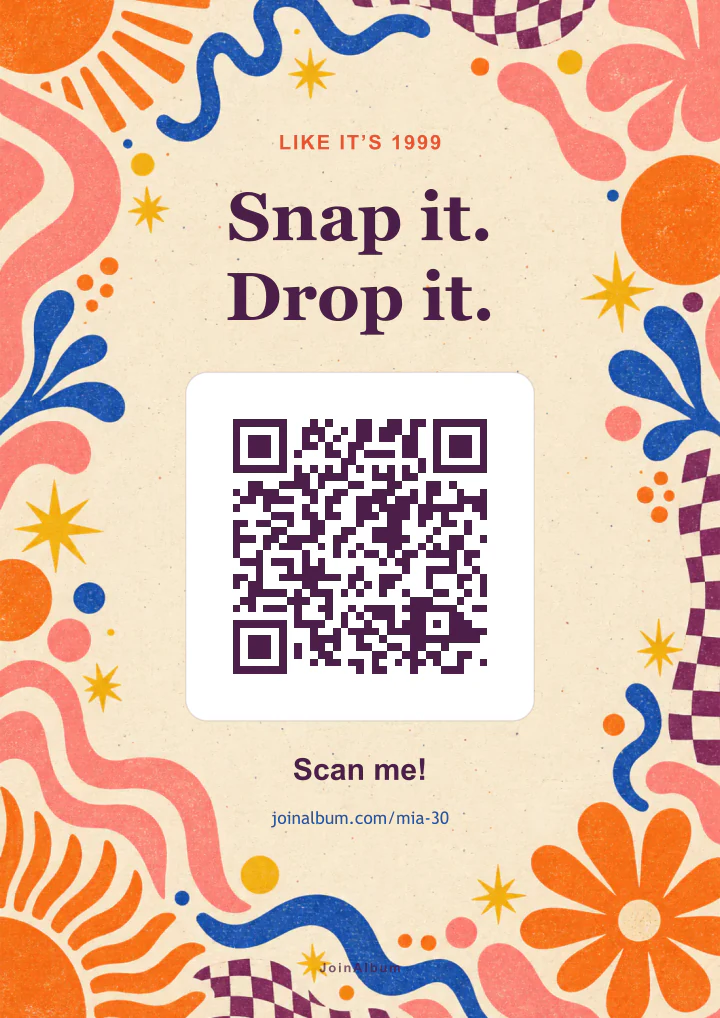
Ready-to-print designs
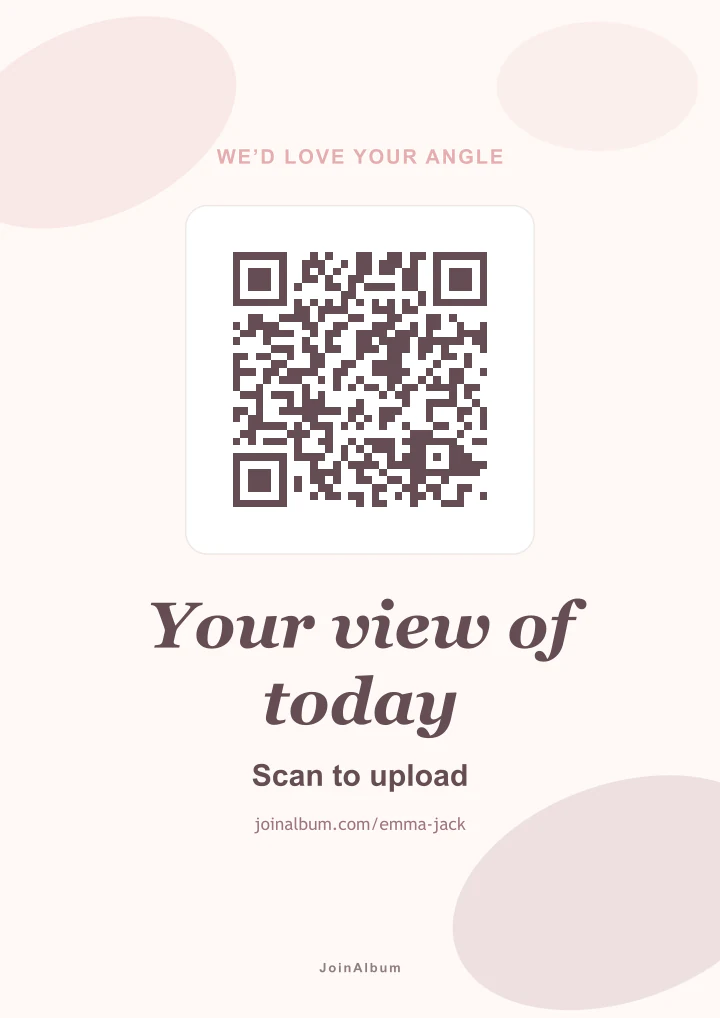
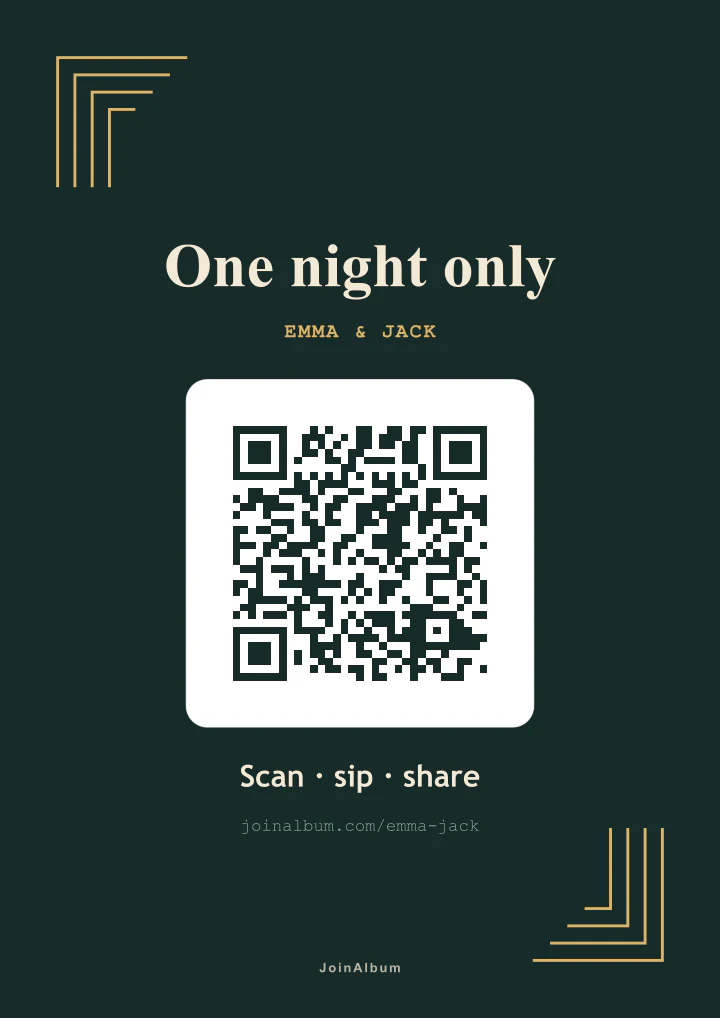
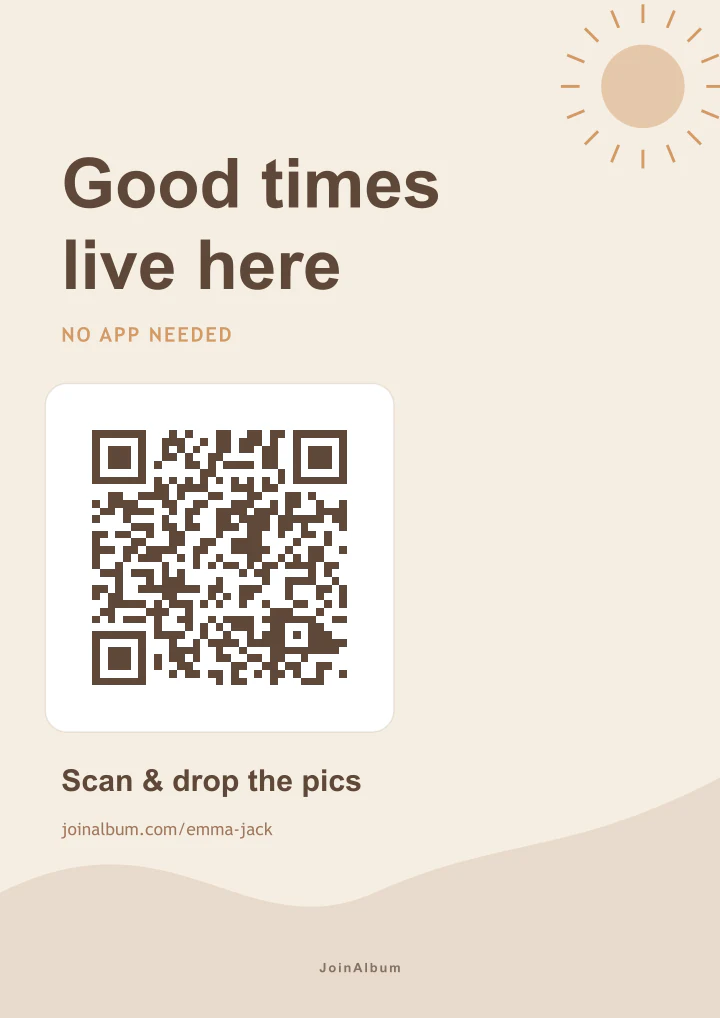
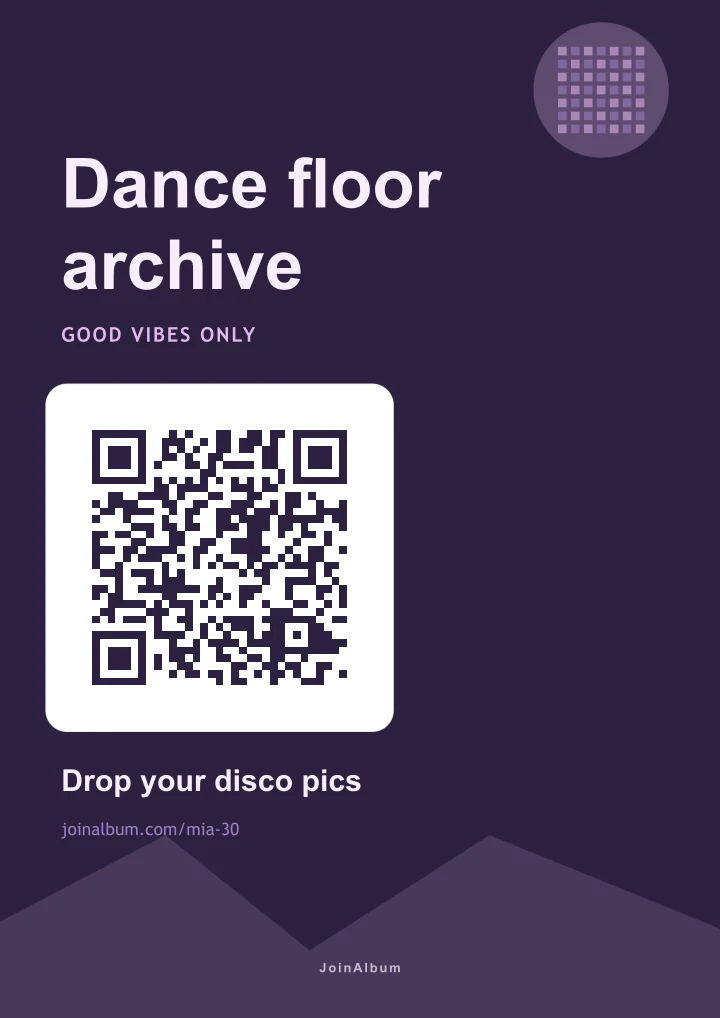
Your QR is placed automatically. Just choose a style, personalise the text and download the format you need.
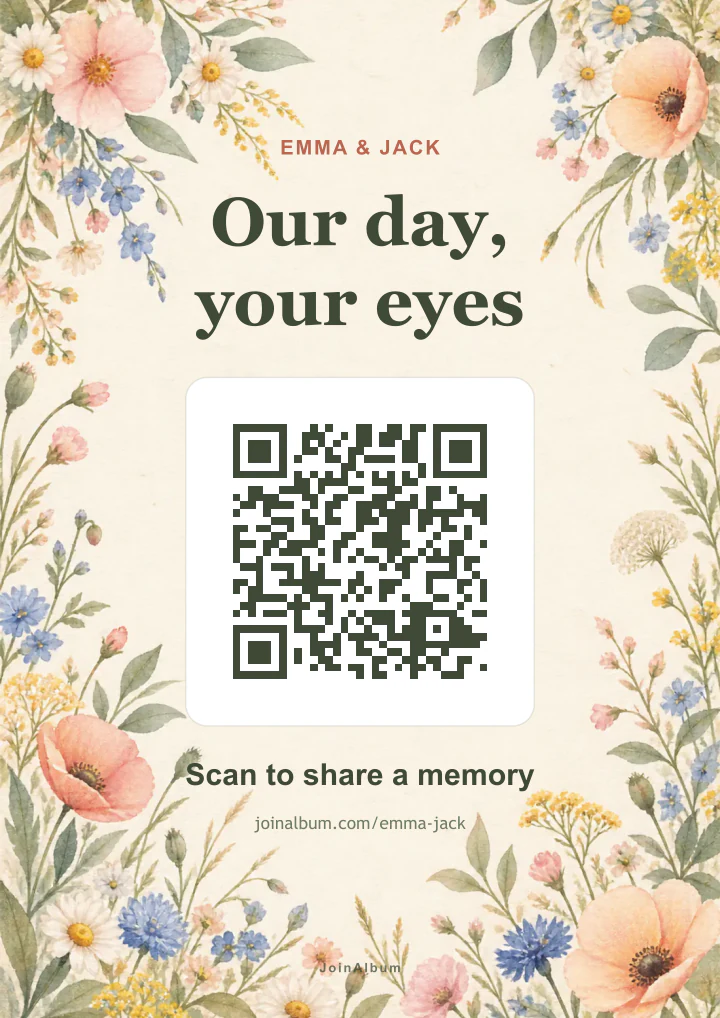
Poster · Table · Post · Story
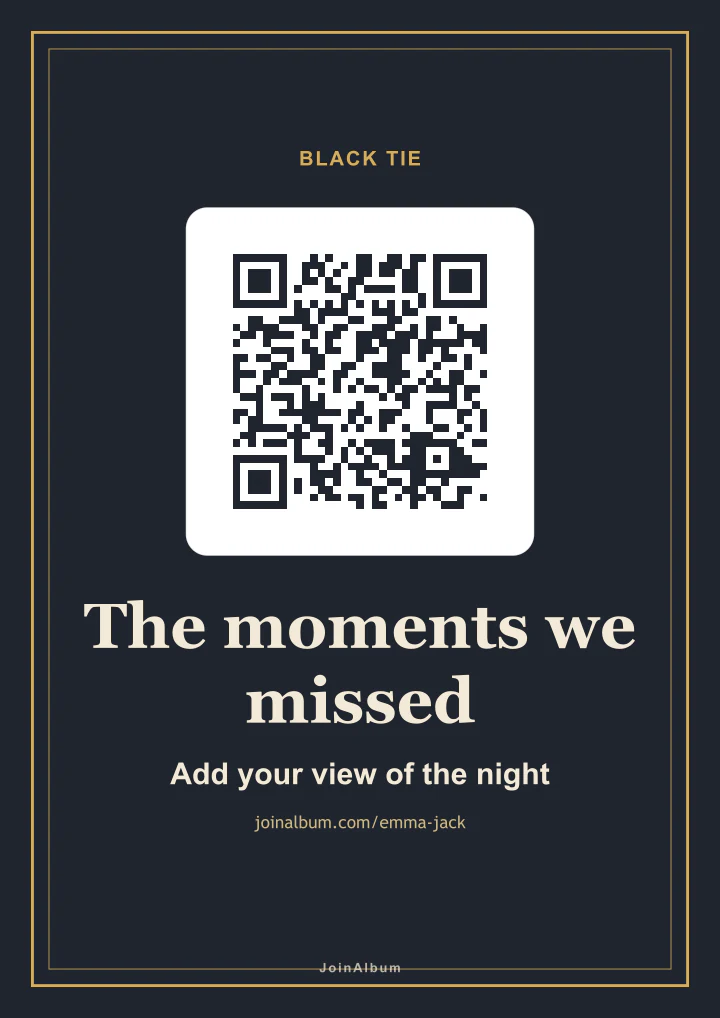
Poster · Table · Post · Story
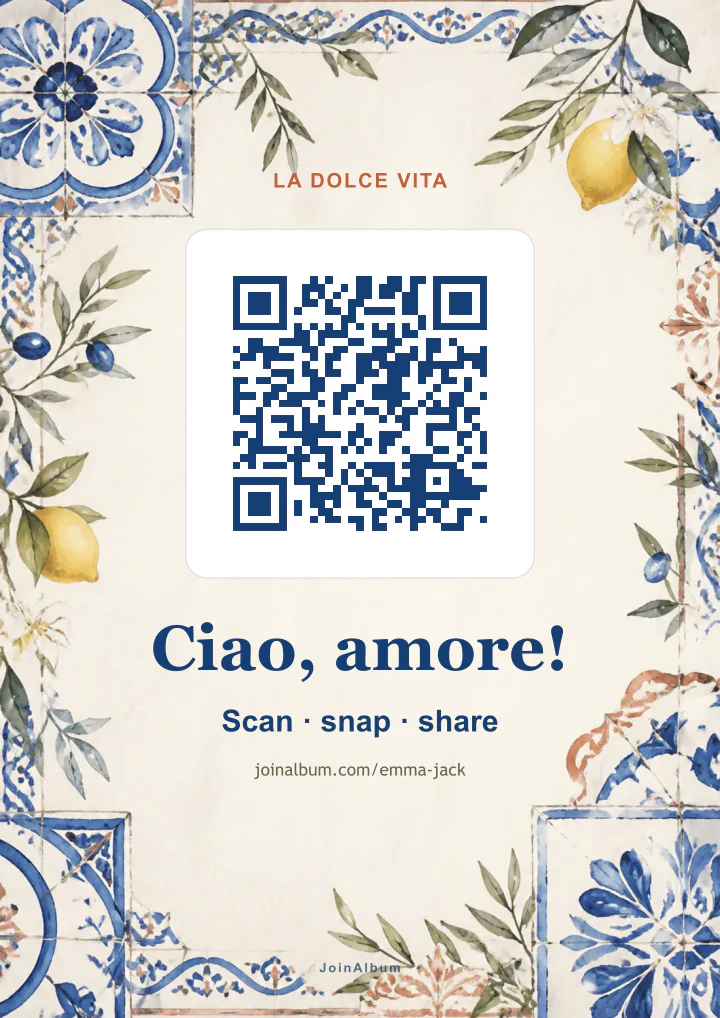
Poster · Table · Post · Story
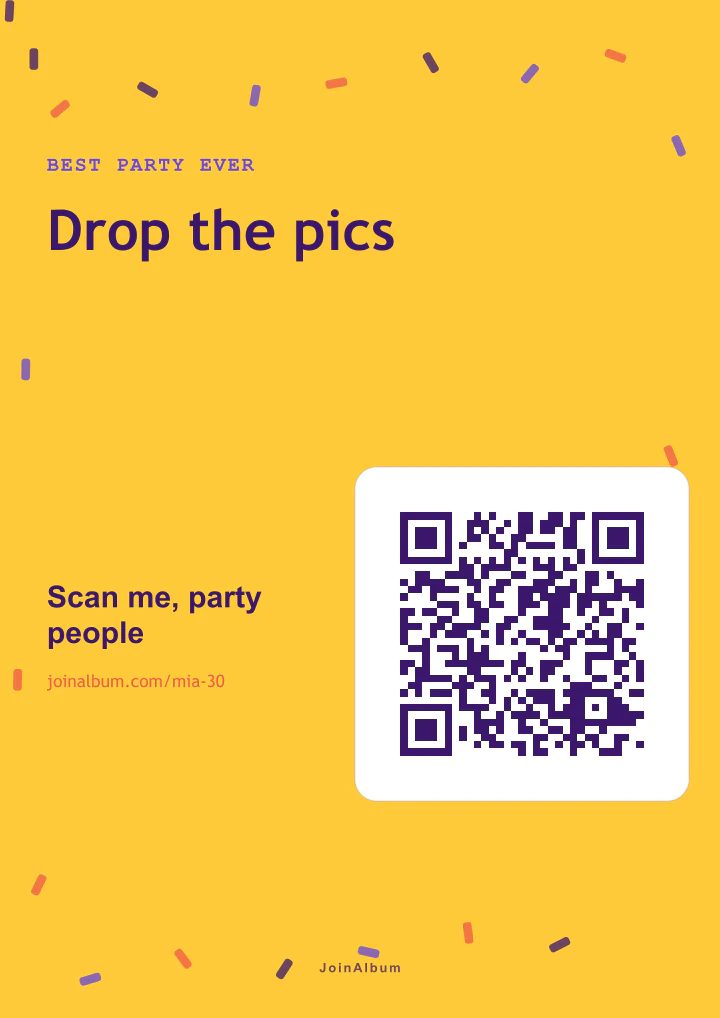
Poster · Table · Post · Story
Poster · Table · Post · Story
Poster · Table · Post · Story
Poster · Table · Post · Story
Poster · Table · Post · Story
Poster · Table · Post · Story
Poster · Table · Post · Story
Poster · Table · Post · Story
Poster · Table · Post · Story
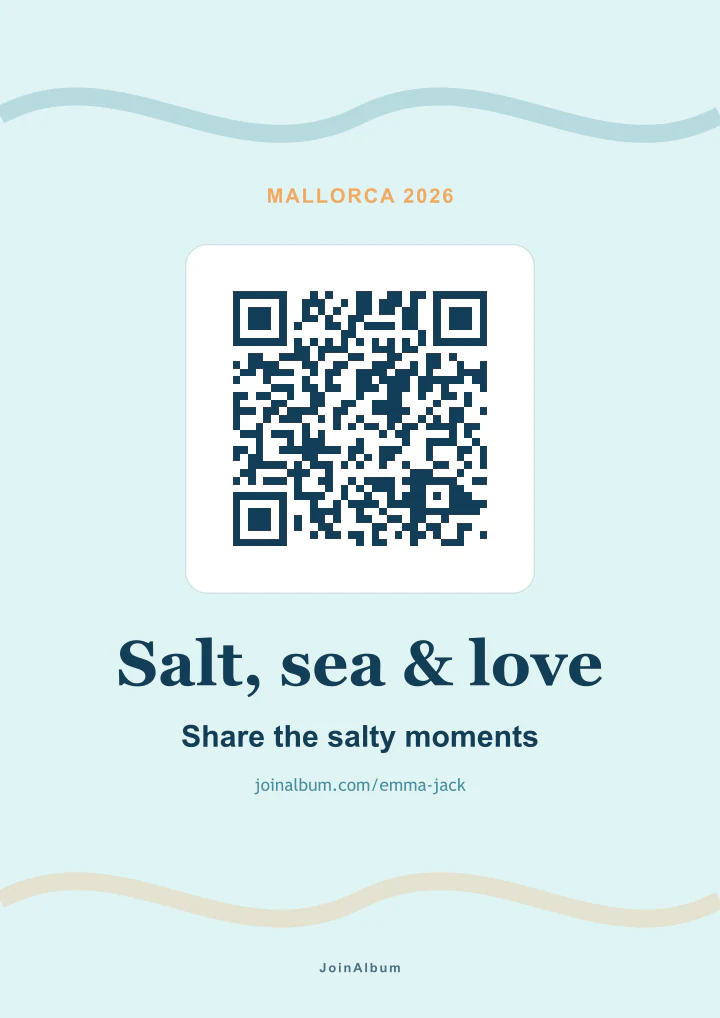
Poster · Table · Post · Story
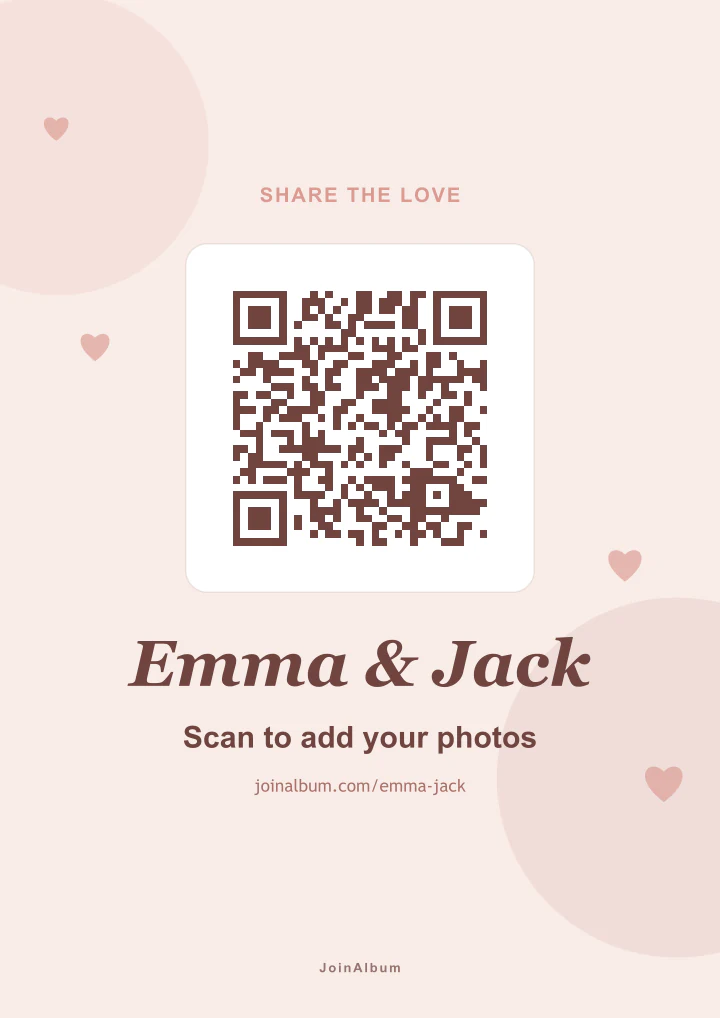
Poster · Table · Post · Story
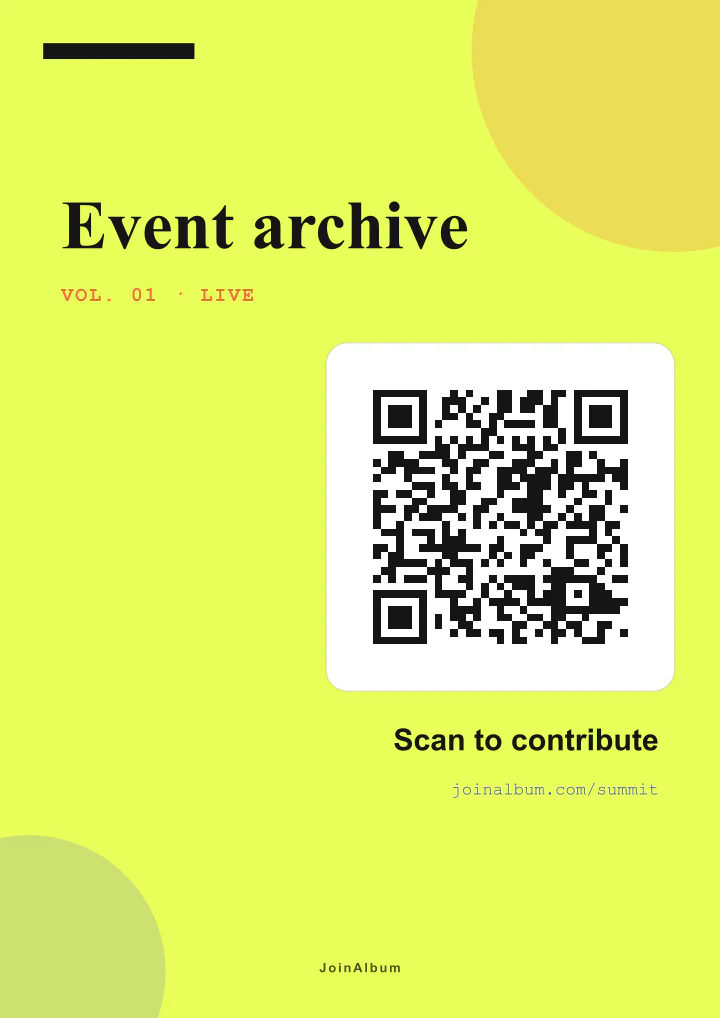
Poster · Table · Post · Story
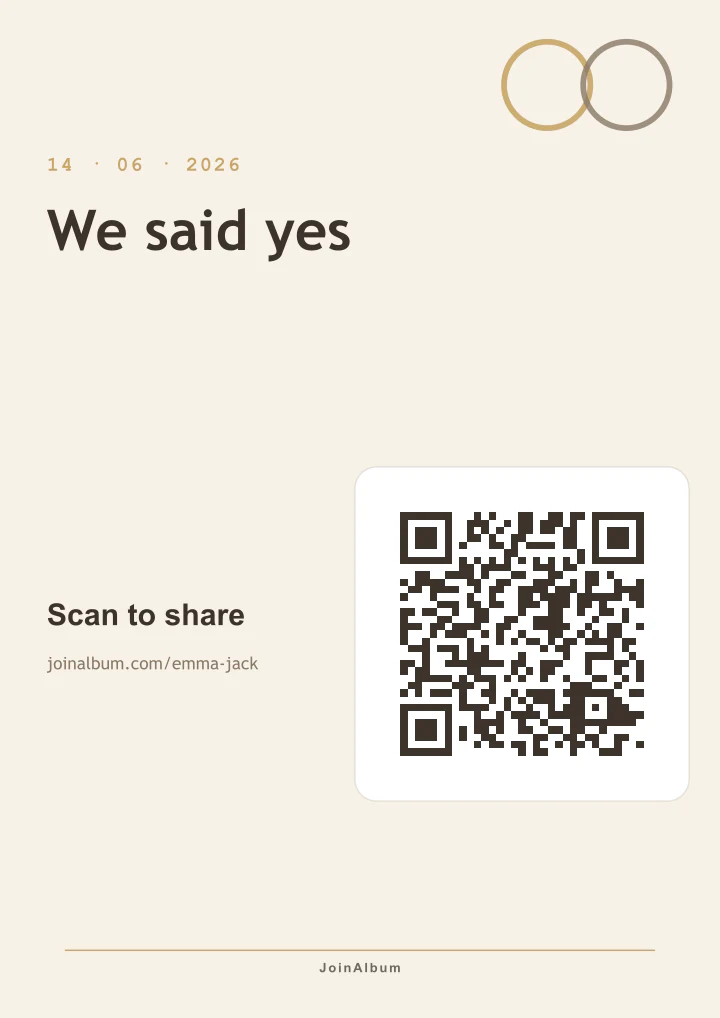
Poster · Table · Post · Story
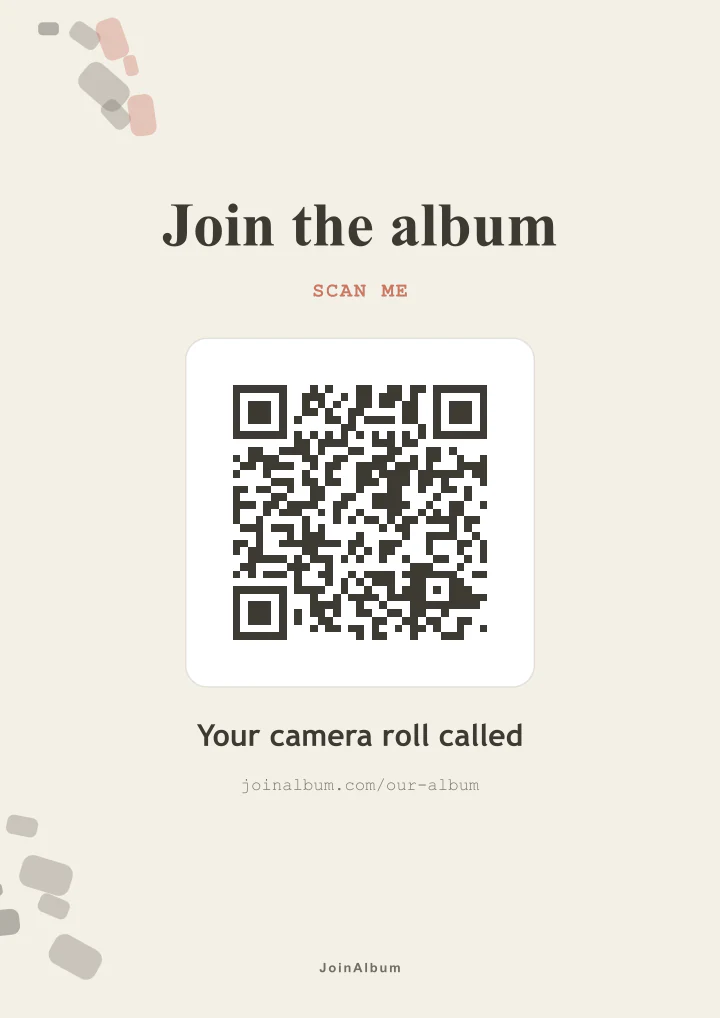
Poster · Table · Post · Story
28 templates included · Every detail is editable
Invite someone you trust so they can review the gallery, download files and prepare QR designs too.
Event team
Who can manage this album
You
Owner
alex@email.com
Co-host
Gallery
248
QR designs
03
Privacy
Private
This is exactly what your guests will see: scan, enter their name, and choose photos or videos. Nothing else.
Sharing should be easy for your guests. Getting everything back should be easy for you.
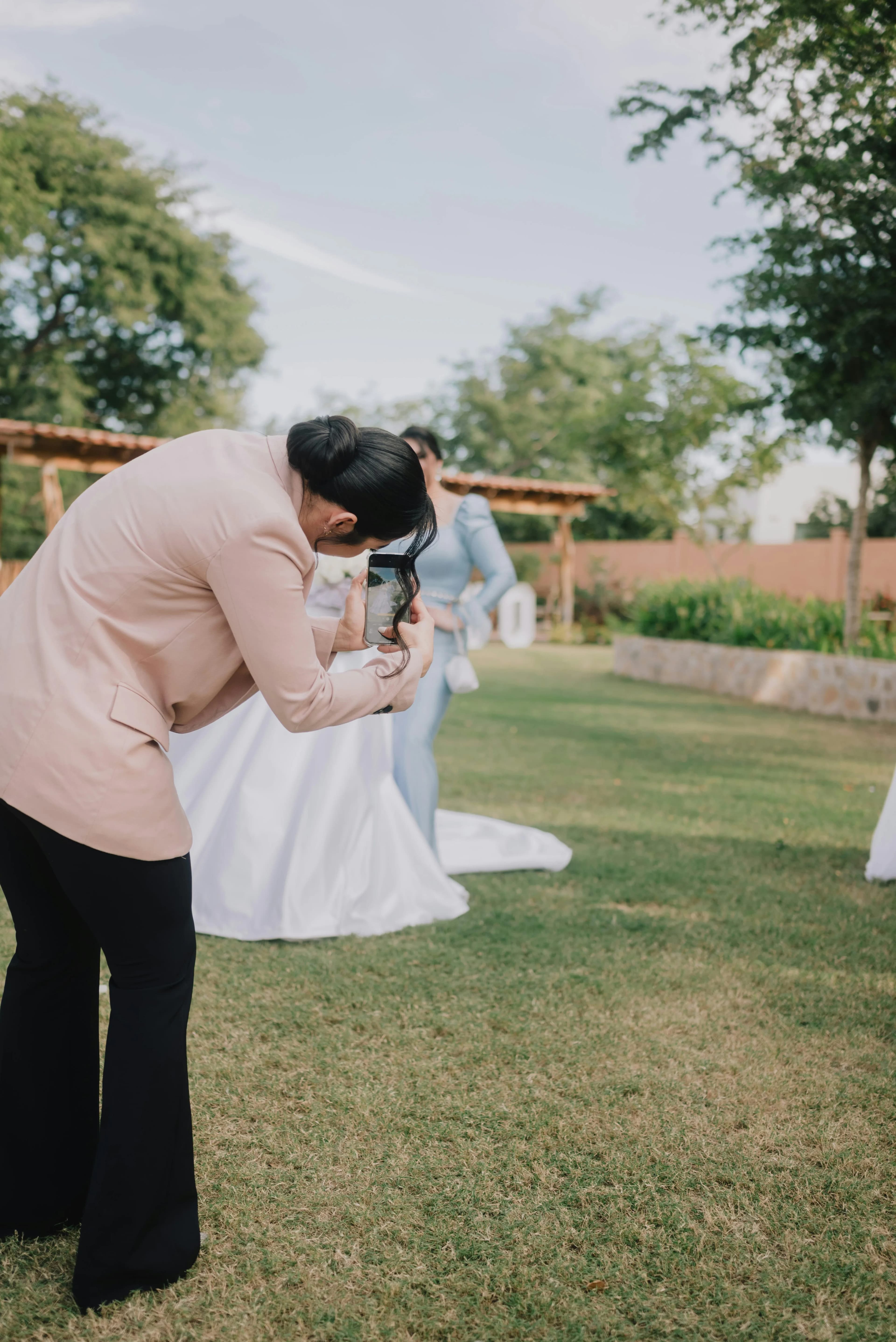
The QR opens a simple browser page. No apps, accounts or passwords to slow anyone down.
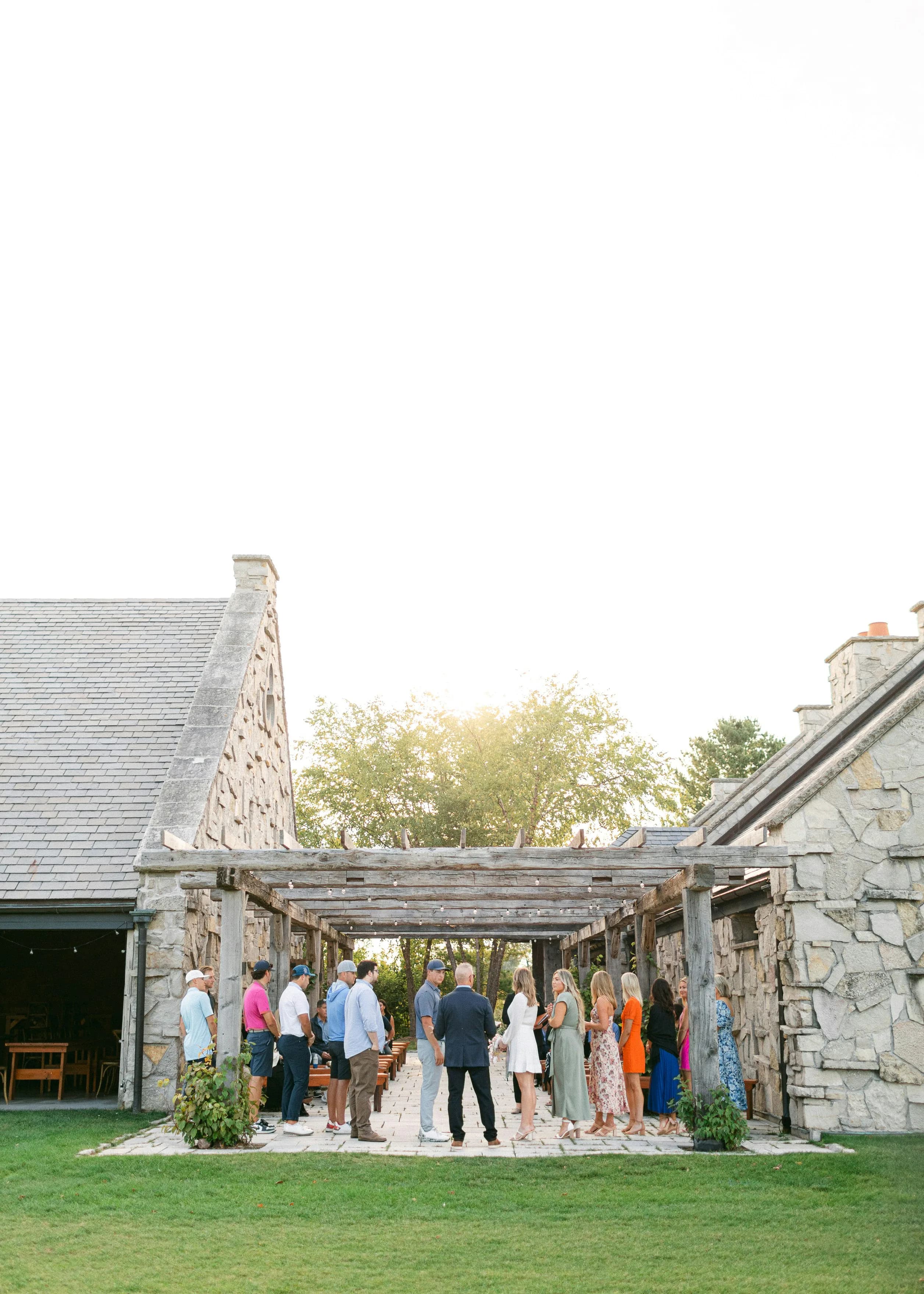
Collect both in high resolution without losing them in messages or saving them one by one from WhatsApp.
Keep the gallery private, open it to everyone or protect it with a password.
Show it on a screen and let new photos appear throughout the event.
Download the complete gallery at once and keep the files forever.
The same link and QR work for your entire guest list.
Practical guides for each event and the way your guests usually share.
Try the complete flow with 10 files. If it works for you, unlock unlimited photos and videos for that event. No subscription
Both plans include the QR editor and one co-host
Try the complete experience
Collect everything without counting files
≈ $53 USD
Taxes included — no surprises at checkout. Outside the eurozone, your card is charged the equivalent in your currency.
Yes. Guests upload photos and videos straight from their phone browser. No app or account needed.
No. They scan the QR or open the link, enter their name once, and upload from the browser.
No. Only the host signs in to manage the album.
Videos are stored exactly as recorded. Photos are automatically optimized in the guest's browser so they upload fast even on venue Wi-Fi, while keeping high resolution — sharp on screens and standard prints, far above what messaging apps keep.
Yes. Download every photo and video in one ZIP from your dashboard.
For 30 days after your event, on every plan. After that the album stops accepting new photos but stays online to view and download for 6 months from your event date, and then it is deleted. We email you 3 days before each of those two dates, so download your ZIP while the album is still up — the files are yours to keep for good.
WhatsApp scatters photos across chats and can reduce quality. Shared folders often need accounts and confuse guests. JoinAlbum gives everyone one QR, no signup, high-quality photos and videos, and a one-click ZIP for the host.
Yes. Prices are shown in euros, but cards from any country work. Payment is processed in US dollars at the current exchange rate with no extra fees from us — your bank simply charges the equivalent in your local currency.
No. Unlimited is a one-time payment per event.
Yes — you choose the privacy level. Albums are private by default, so each guest only sees their own uploads and only you can view and download everything. As the host you can switch the album to public (anyone with the link or QR sees and downloads the full album) or password-protected (guests see everything after entering a password you set), and change it anytime from your dashboard. We never sell data or use your media for ads.
A few weeks before is ideal for printing QR cards. Setup itself takes minutes.
Place QR cards where guests will see them and ask the DJ or planner to mention it once.
Create your album for free. Your link and QR will be ready in minutes
Create your album