
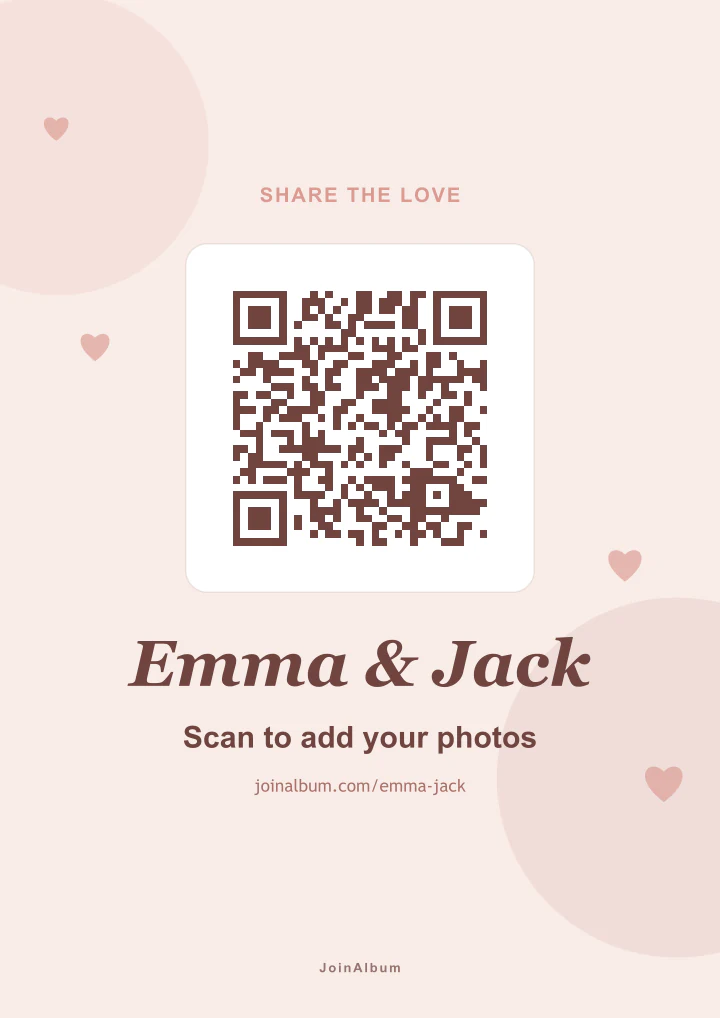
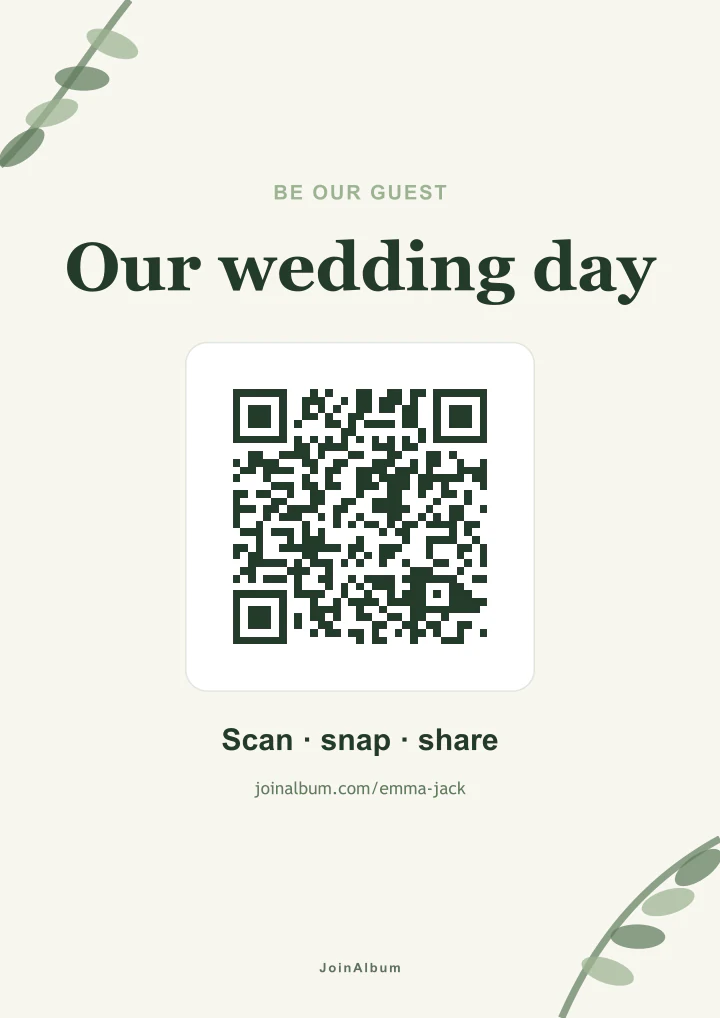
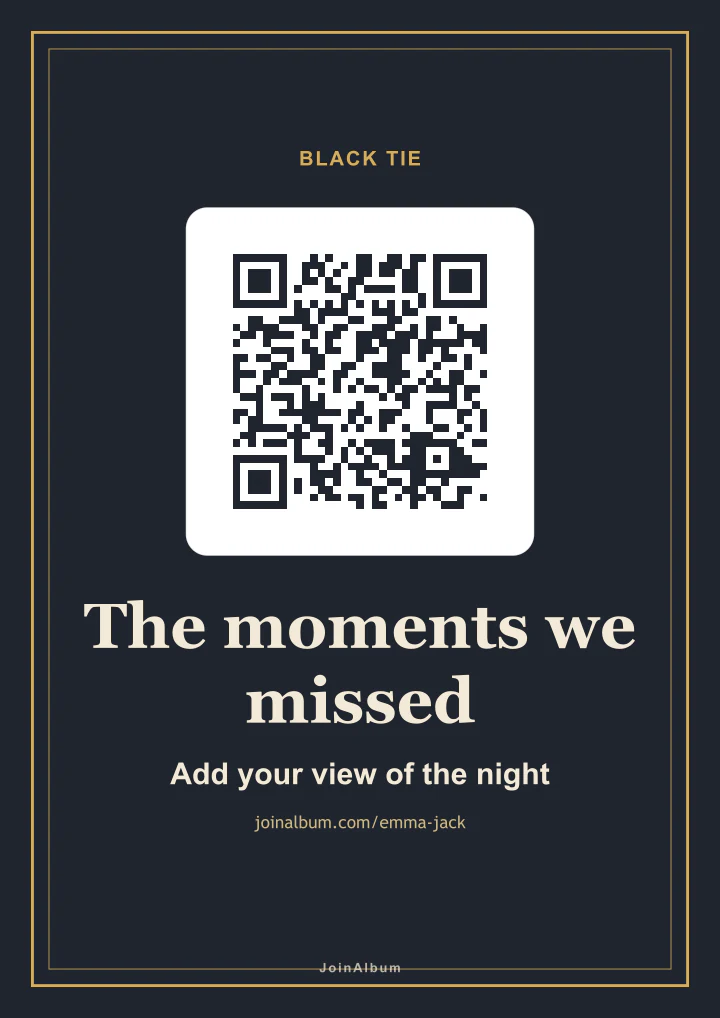
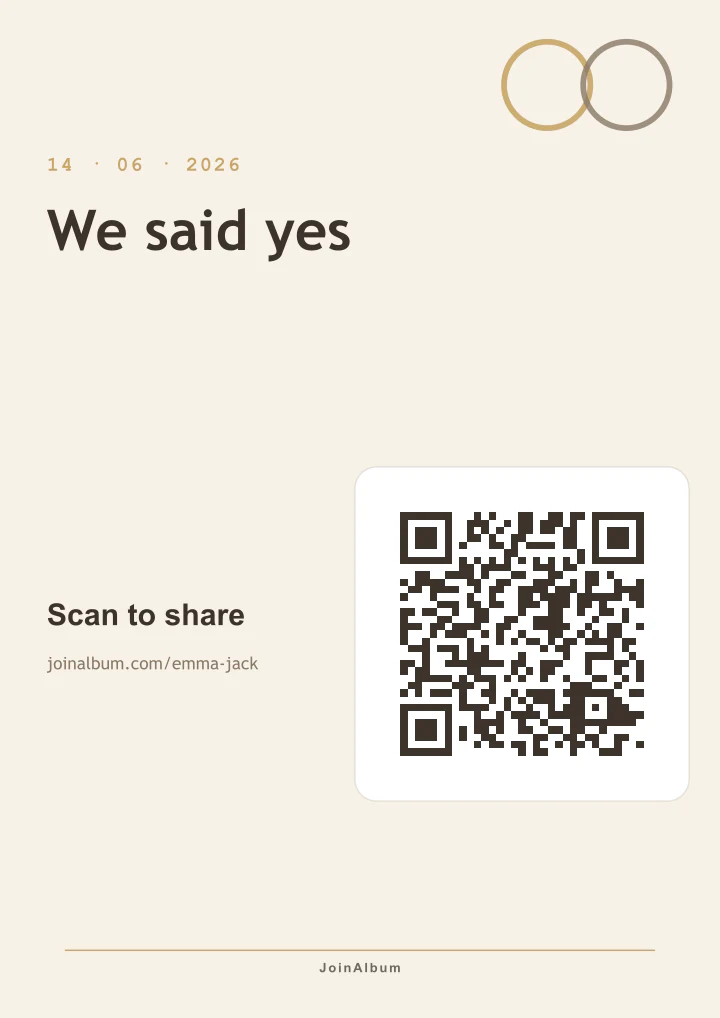
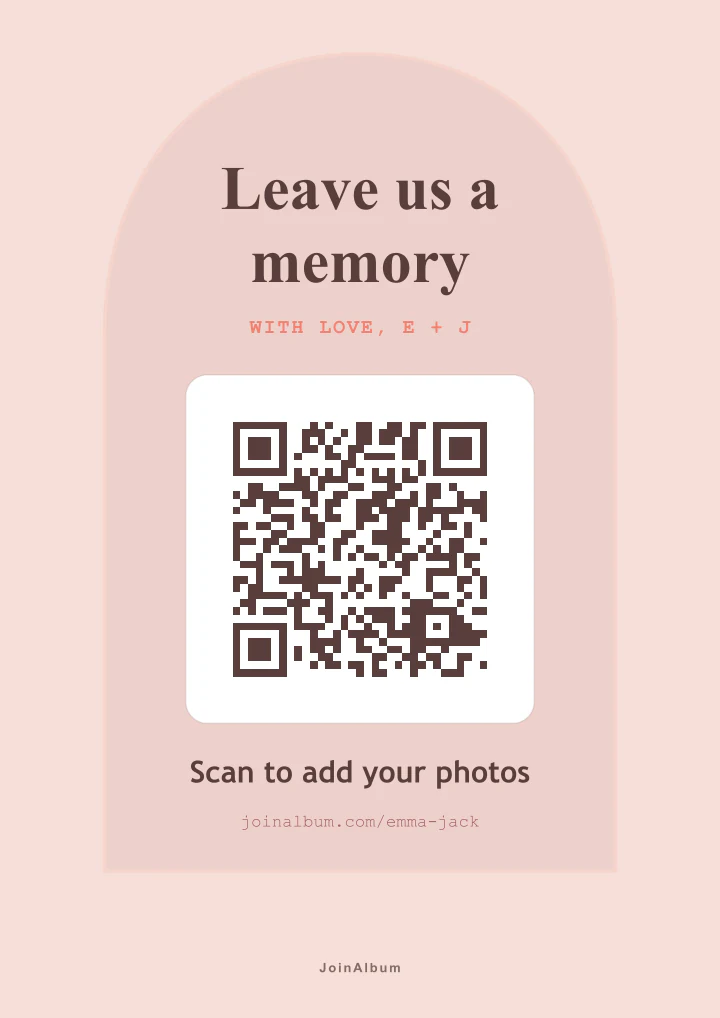
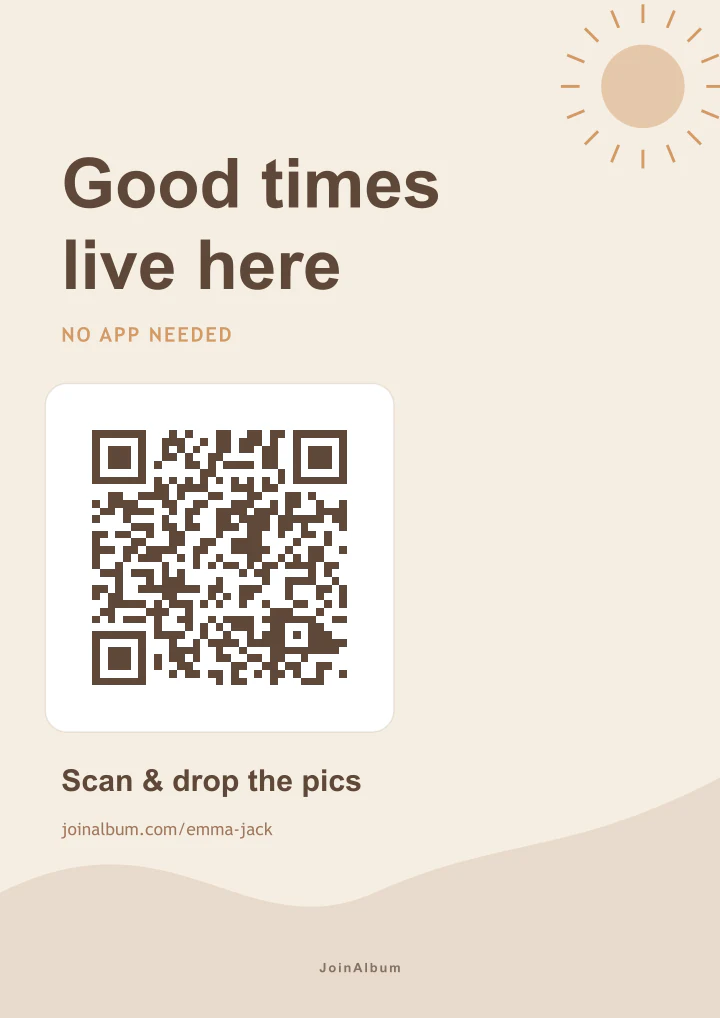
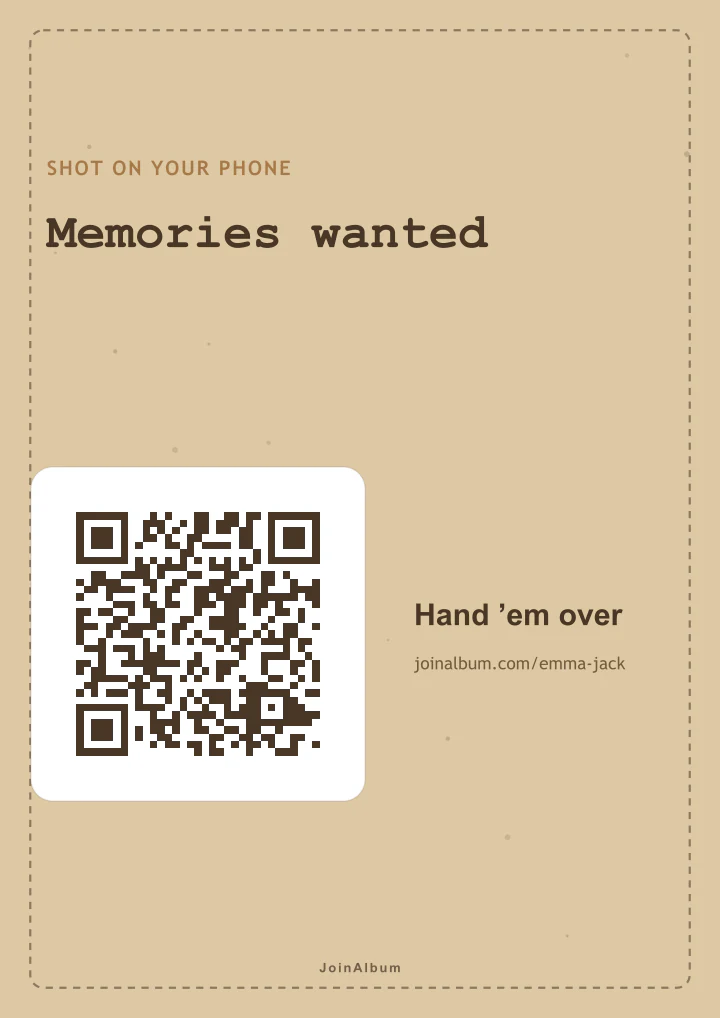
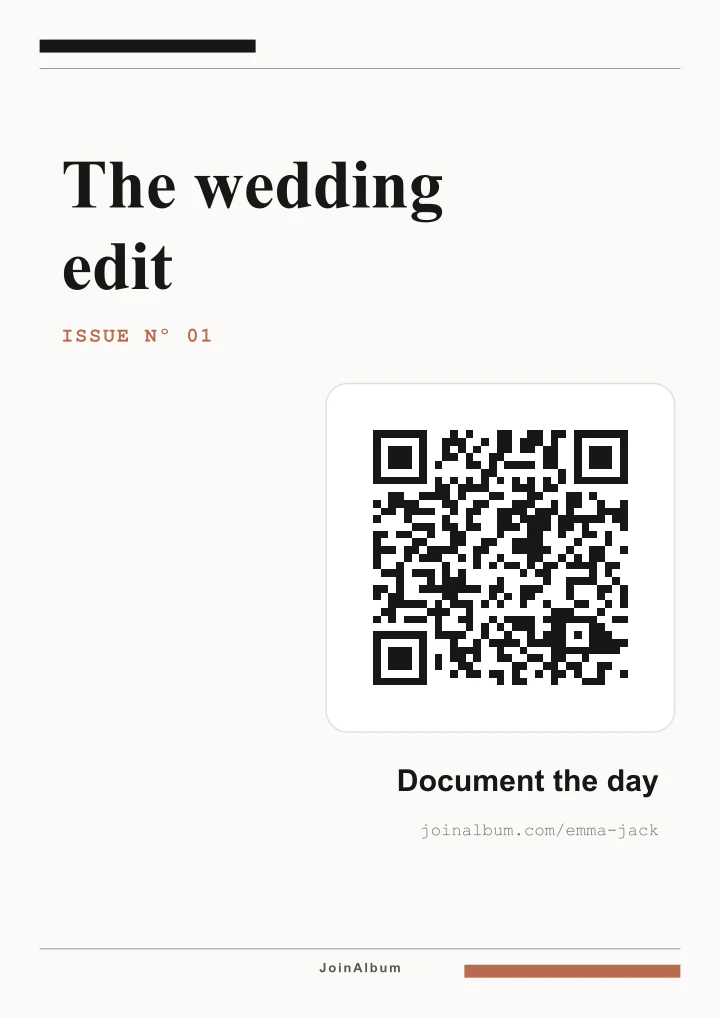
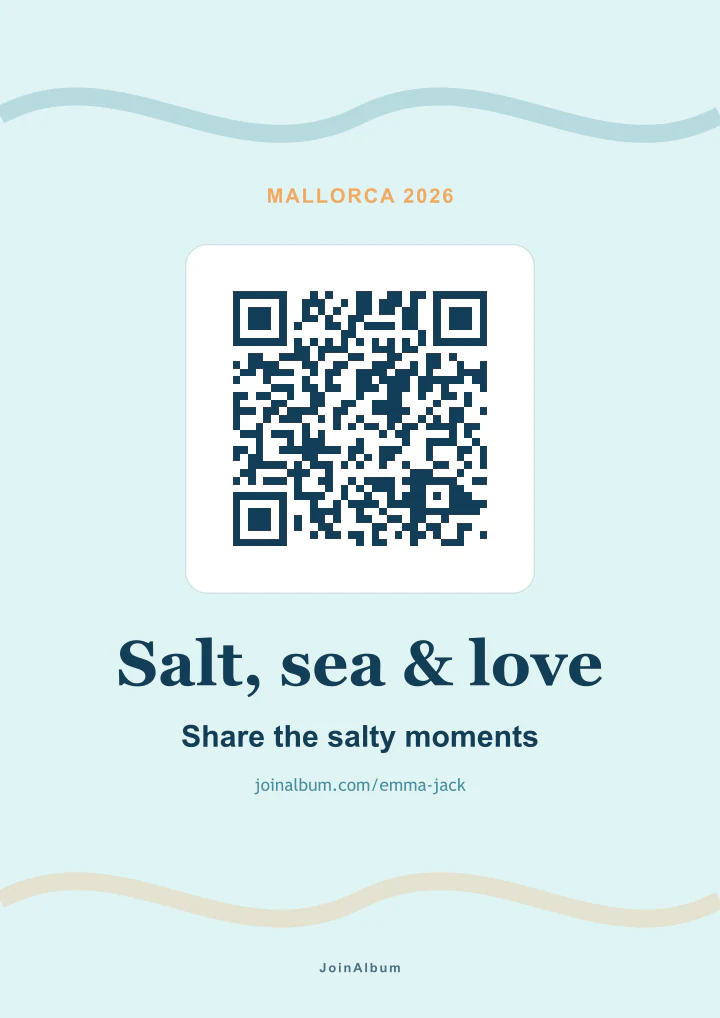
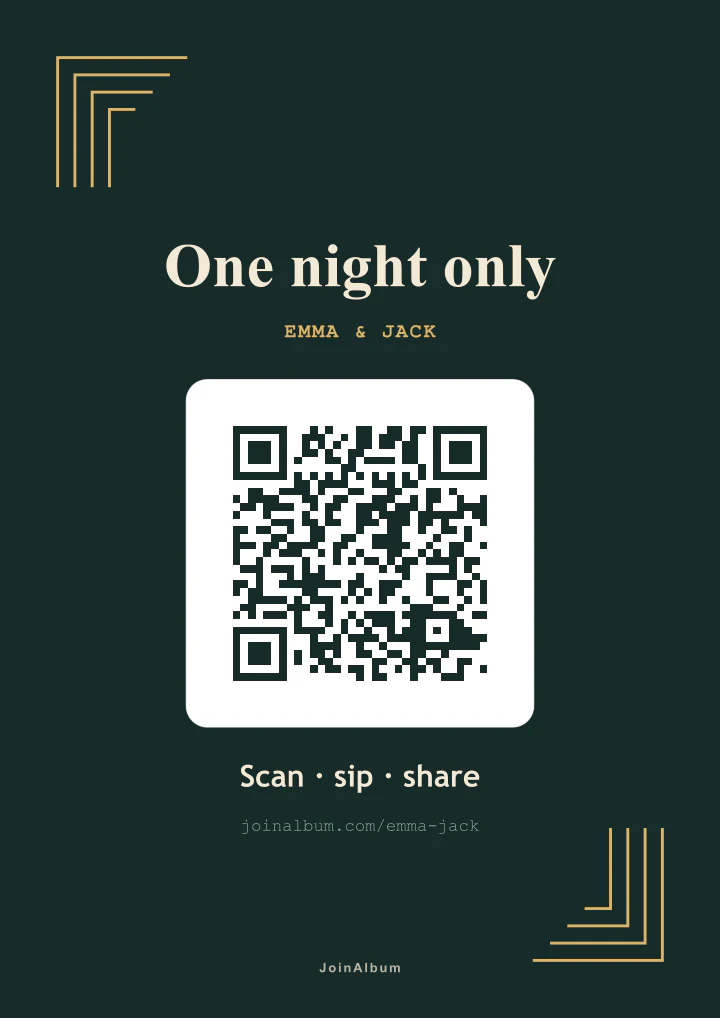
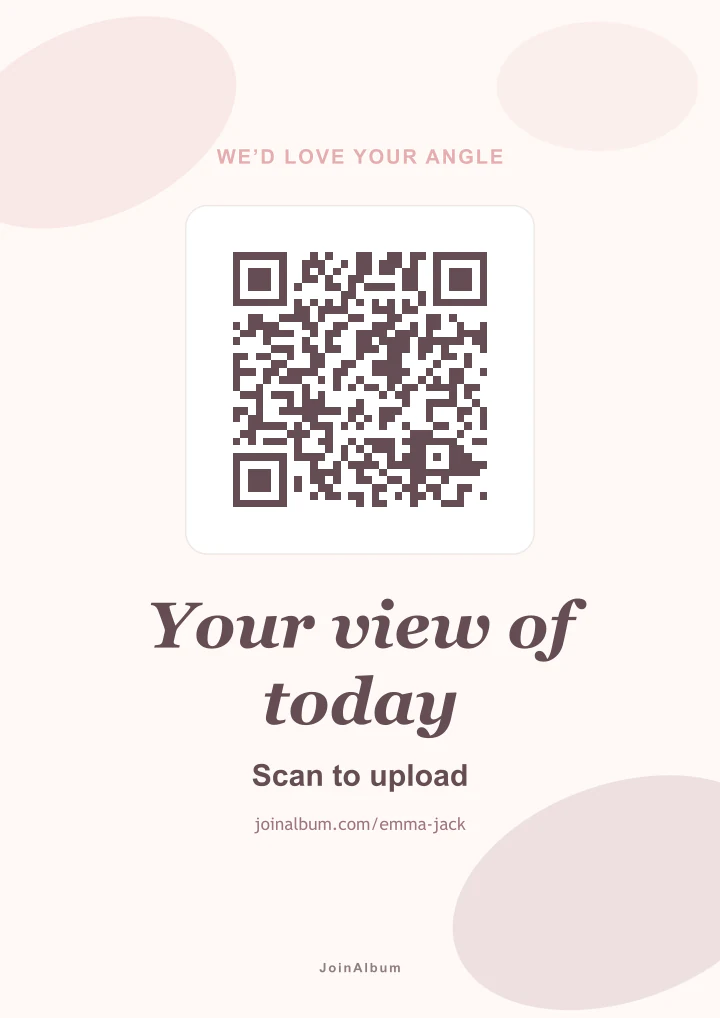
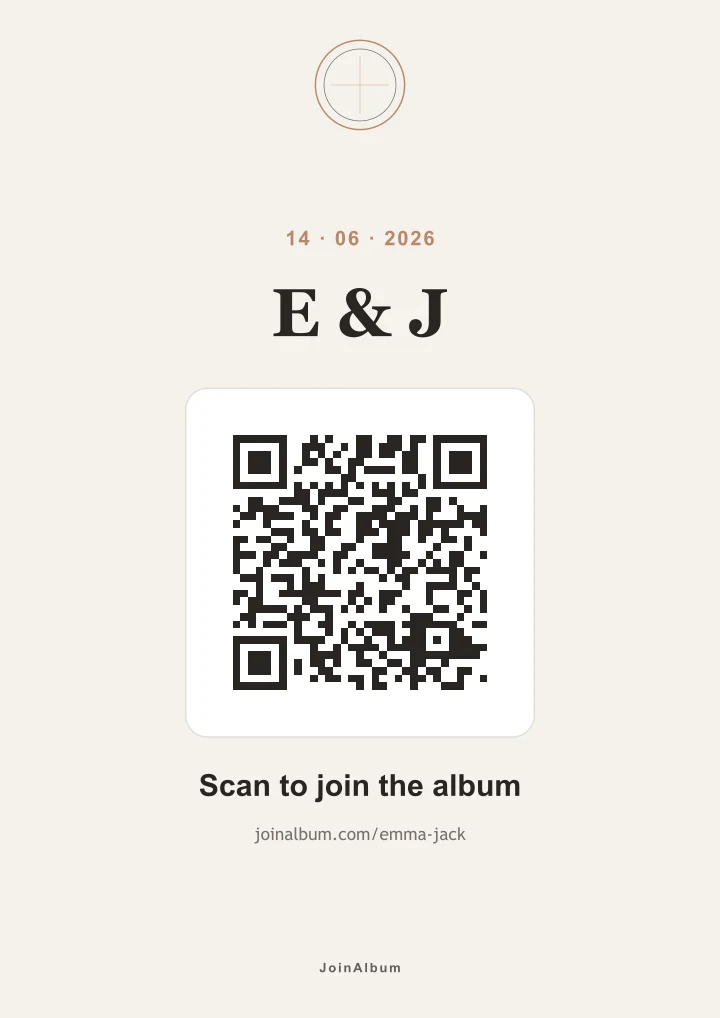
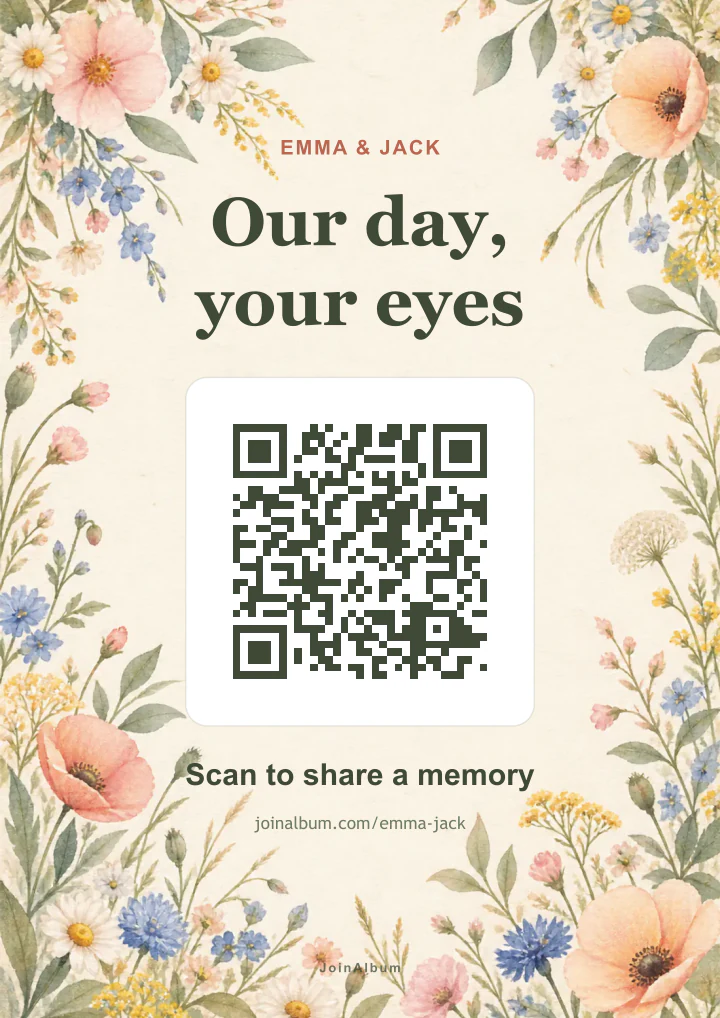
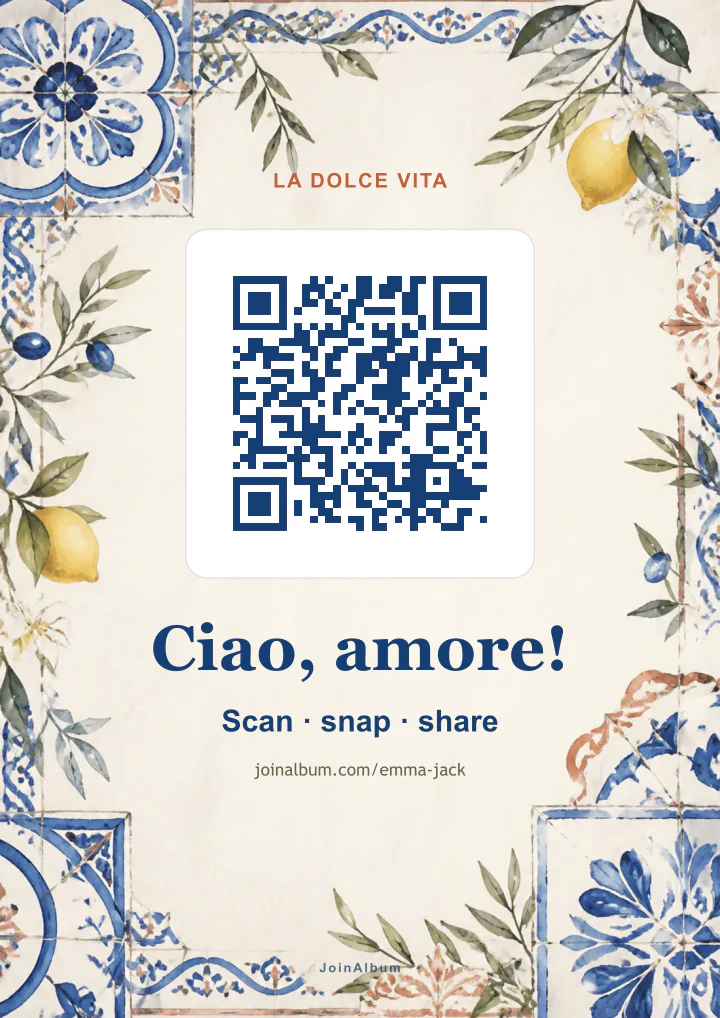
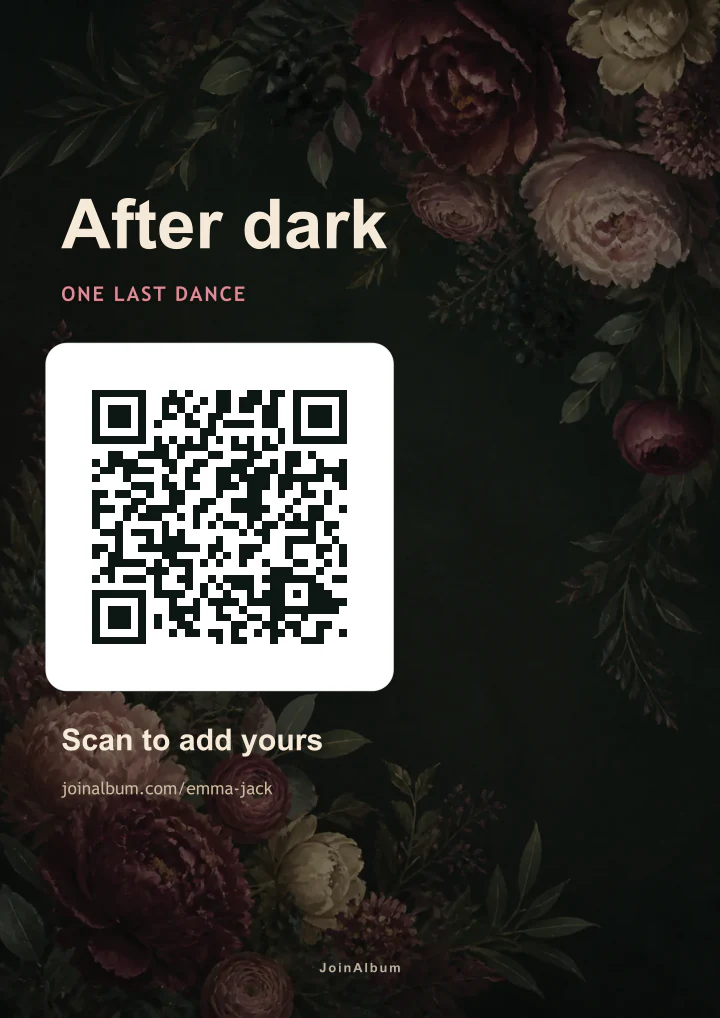
How to make your QR sign, step by step
Create the wedding album
Add your names and the date. As soon as it exists, you have the link and the QR code that goes on the sign.
Pick a template
There are romantic, botanical, Mediterranean, party and minimal styles. You can also start from a blank canvas.
Change the wording and colours
Edit the message, your names, the fonts and the colours, or use a photo of the two of you as the background. The QR code places itself and always points to your album.
Choose the format
A poster in A3, A4, A5 or A6 for the entrance, a table card, a square post or a story. The same design adapts to all of them.
Download it and test it
Download it as PNG, SVG or PDF; the export checks automatically that the QR code scans. Before printing the lot, print one and test it with two or three different phones.
Put it where guests will see it
A large sign at the entrance or by the seating plan, and a card on every table. Share the post or story before the wedding too, so guests arrive knowing what to do.
What a good QR sign needs
A line that says what to do, like "Scan to share your photos". A large code with clear space around it and strong contrast with the background. And your names or the date, so nobody wonders whose wedding it's for.
Everything else is decoration, and decoration shouldn't compete with the code. The editor won't let the QR code shrink below a minimum size for each format, so it still scans from across a table.
What about Canva and a QR generator?
It works, but it's two tools plus a third place to keep the photos. You generate the code, check it points to the right link and drop it into the design yourself. If you use a link shortener or a dynamic QR code, make sure it won't expire or go behind a paywall before the wedding.
The album also has to let anyone upload without an account, which Drive and Dropbox folders don't usually allow. In JoinAlbum the code, the design and the album are the same thing, so the QR code can't end up pointing somewhere else.
Where to put the signs
At the entrance, by the seating plan and at the bar, where people stop. Small cards work better on the tables, because they sit in front of guests for the whole meal.
If you have a wedding website, a digital invitation or a group chat with guests, the post or story format lets you tell people in advance. Guests who arrive knowing there's a QR code look for it.
QR sign FAQs
Is the QR sign free?+
Yes. The editor and the templates are on the free plan, and you can download your designs without paying. What's limited is the album: the free plan holds 10 photos or videos, and unlimited uploads for one wedding is a single €49 payment.
Can we use our own photo?+
Yes. Any design can take a photo of you as its background.
What size should I print?+
For the entrance, A3 or A4 reads well from a distance. For the tables, the table card or A6. Whatever the size, test one printed code before printing them all.
Does the QR code expire?+
It doesn't change: it always points to your album. Guests can upload for 30 days after the wedding, and the album stays online for 6 months.
Can I change the sign later?+
Yes. Designs are saved, up to 20 per album, so you can reopen any of them, edit it and download it again. The QR code keeps pointing to the same album.