
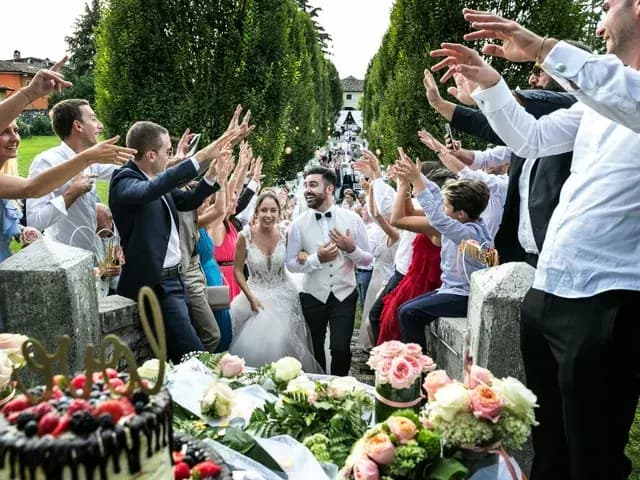
Choose a position that leaves the photographer room
Photograph from where guests are welcome to stand. Keep the aisle clear and put your phone away during an unplugged ceremony. The couple’s rules come before a picture you would like to take.
At the reception, look for a conversation before dinner, a greeting or a friend who is usually behind the camera. Ask before a posed picture, and let anyone decline. Wait until people have finished eating.
Check faces against the light
Try moving a willing group so light reaches their faces, rather than placing them in front of the brightest window. Look at the screen: if faces are too dark or a white outfit has lost its detail, change position and try again.
On iPhone, Apple documents tapping the screen to choose a focus area and adjusting exposure beside it. Controls vary by device and software version; learn the equivalent on your own phone before the wedding rather than changing menus during a toast.
Hold still and leave room in the frame
Wipe a marked lens with an appropriate clean cloth before the party. Hold the phone with both hands and pause after the shot so you can check whether someone moved. In dim light, ask for a brief still moment instead of repeatedly firing a flash into faces.
For a group, check the edges for cropped heads and hands. Step back only where there is safe space. Take one wider picture of the table and a closer one of the people who want to be included; you can choose between them later.
Send a small, useful selection
Choose clear versions of your pictures, remove accidental screenshots from the selection and check with the people pictured before posting publicly.
Send the selected files through the couple’s chosen upload link. A photo in your own camera roll has not reached their album until the upload finishes. Keep your source files while you check that your contribution arrived.
Sources
Practical questions
Should guests photograph the ceremony?+
Follow the couple’s and venue’s instructions. If the ceremony is unplugged, keep the phone away and save your pictures for later.
Does every guest need to contribute photos?+
Contributing is optional. Take a few pictures if you enjoy it, then return to the celebration; the couple can arrange professional coverage separately.