
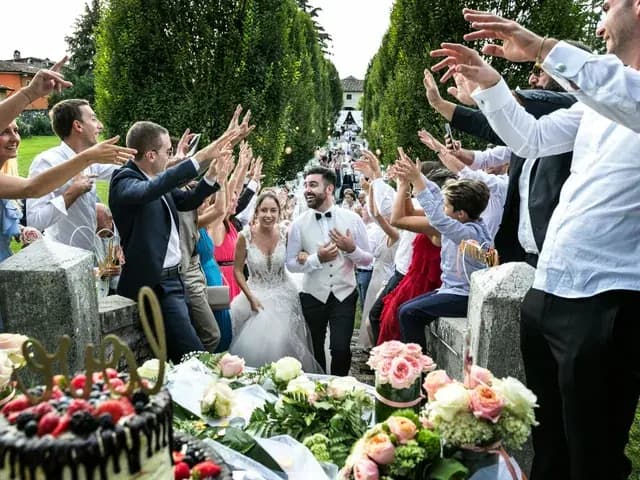
Agree three different decisions
Decide whether phones are welcome during the ceremony, whether guests may add pictures to a shared collection, and whether those pictures may be posted publicly. These are separate choices. An unplugged ceremony can still be followed by a reception full of candid photos.
Vogue’s etiquette advice recommends checking with the couple when unsure about a photo. You can make that conversation easier by giving guests a clear preference before the day.
Find wording for a ceremony without phones
Vogue: wedding social-media etiquette · Read on
A friendly request for a private collection
“We would love your photos in our wedding album. Please add them here: [album link], and check with us before posting pictures of the two of us on social media. Thank you for giving us a little time to share the day ourselves.”
For a very private celebration: “Please keep pictures of our wedding within the album and the people who attended. We would love to enjoy the photos together without public posts.”
Say what you mean by private. If close family may receive pictures directly but public accounts should not, write that distinction. Do not ask the person sending invitations to improvise a rule you have not agreed on.
Think about other guests, not only the couple
Ask before posting a close-up of a guest who has not chosen to be part of your public announcement. For children, check with their parent or carer and respect a refusal without asking them to explain it.
Leave names, school details and location tags out of a child’s picture unless the family has explicitly agreed to them. A simple yes or no is enough; nobody needs to explain a family’s private circumstances.
When choosing a public selection, skip images of someone looking unwell, asleep or uncomfortable. Send a flattering picture privately if you think the person would like it, and let them decide whether to share.
What to say when a photo needs to come down
As a guest: “Would you mind removing the photo of me from your post? I would rather keep it private. Thank you.” You do not have to add a detailed justification.
As a host: “Thanks for sharing the pictures. Could you take down the one of [person] and keep that one within the album? We are trying to respect everyone’s preferences.”
Make the request privately and give the person time to remove the picture. If the same picture has been forwarded, contact the people you know received it; a quiet, specific request is more useful than a public argument.
Review the collection before widening access
Decide who should see the full album before you circulate its link. A private collection and a public social post have different audiences; agree each separately. Check the actual gallery settings rather than assuming a link always means the same level of access.
Before sharing professional photographs, check the photographer’s delivery instructions and your agreed sharing arrangements. Keep the photographer’s credits where requested, and avoid passing around private supplier links without asking.
Sources
- Vogue: wedding social-media etiquette · Read on
Questions couples ask
Is asking for photos the same as agreeing to public posts?+
Treat them as separate requests. Someone can be happy to contribute to your private collection and still prefer not to appear on a public account.
Can we ask guests to wait until we post first?+
Yes. State it kindly before the day and give them a place to send their photos privately if you would like to collect them.