
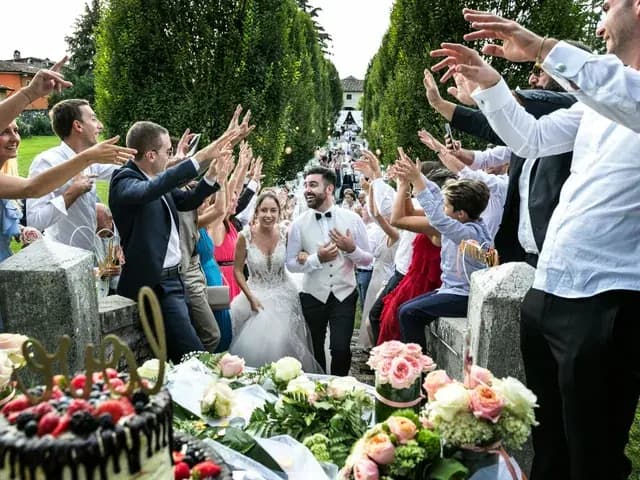
Choose a question that gives someone a place to start
Voast’s own guest-book advice favours questions tied to the couple’s story. The useful principle is specificity: a guest can recall a small scene more easily than sum up your entire relationship. The questions below are our own examples.
Put one prompt on each card, then let people choose. You can try a short answer of around half a minute, but let a grandparent finish a story rather than treating your suggested length as a timer.
For friends with a story to tell
“Which tiny habit gives away that we belong together?” “Describe an ordinary evening with us that you still remember.” “Which of our attempts at cooking deserves its own documentary?”
“What would you put in a time capsule from tonight?” “Which guest deserves a thank-you for something we might not have noticed?” “What should we ask you about when we watch this next year?”
Keep the funny questions kind. A wedding message is a poor place to demand an embarrassing story, a prediction about children or an account of someone’s previous relationship.
For family, quieter guests and children
For family: “What is one little family ritual you would love us to keep?” Or: “Tell us about a meal you hope we will cook together.” Offer an answer in whichever language feels comfortable.
For someone shy: “Say your name and finish this sentence: I hope your Sundays always include…” A wave or a shared message with a friend is enough too.
For a child who wants to join in: “Invent the name of our future pet.” Or: “Show us your best celebration dance.” Ask their parent or carer first, and offer a drawing or a written note as an alternative.
Set up the corner before the music starts
Pick somewhere lit from the front, away from the speakers and out of the route to the toilets. Make a test clip and listen to it with headphones. A pretty background will not rescue words buried under the bass.
Use a stable phone support if you have one. Ask guests to say their names at the start and keep one orientation for the clips. Put the question where they can read it without turning away from the camera.
Someone in the wedding party can show the first willing guests how it works. Leave the cards out during a quieter part of the reception and let people walk past without an explanation.
Record first, then upload the finished clip
Ask guests to record with their phone camera, check the sound and upload the saved file. In this suggested setup, the phone camera records the message and JoinAlbum collects the saved file.
Before the wedding, test a clip from a second phone all the way through upload and download. Afterwards, save the collection somewhere you control. If you want a montage, choose a separate editing workflow rather than promising guests that the upload album will assemble a film.
Sources
Questions couples ask
Do we need a video booth?+
You can suggest that guests record on their own phones. A quiet spot, a visible prompt and a tested collection link are enough for that approach; specialist booths are a separate option.
Does JoinAlbum record or edit the interviews?+
This guide uses JoinAlbum to collect finished video files. Record them with your phone camera and use a separate editing tool if you want to create a montage.